Guides
Finished videos you can make yours — pick one, fill in your words, paste a prompt
Each guide starts from a finished video and ends with your version of it. You don't write code and you don't learn a video editor. Your AI agent builds the video — you direct it: pick a guide, fill in your product's words, paste the prompt.
First time here?
Do the one-time setup — about ten minutes, all copy-paste.
- The ~35-second launch video we made for Remocn itself — with your product in it
- A ~40-second release video that shows the feature working — the one we shipped remocn/ui with
- A fast ~30-second reel where every item in a collection gets its own beat — the one we shipped the typography wave with
- The ~15-second pre-launch video — something is coming, here is its name, here is the date
- A ~50-second video where your product is on camera doing its job — one flow, start to finish
- A ~25-second release update for the weeks that ship several small things — same open, same pace, every release

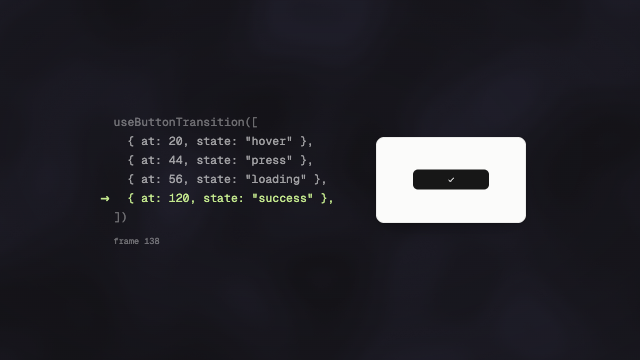
- How a video is builtThink in beats — the one mental model behind every video you'll make
- Directing your agentThe first cut is a draft — how to get from there to the video you meant
- Words on screenVideo copy is not website copy — how to write lines people can read in two seconds
- Your brandHand your brand to the agent once — every video after that comes out looking like yours
- Music and soundThe recipes produce silent videos — a music bed is the cheapest upgrade that makes one feel finished
- One video, three formatsEvery recipe builds a horizontal video — Reels, Shorts and TikTok want vertical, and you re-cut instead of rebuilding
- Exporting your videoThe preview in your browser is not a file yet — one prompt turns it into an mp4 you can post